What's inside.
Everything below is built and running today, not a roadmap. If something here is the reason you would switch, say so on the demo and we'll start there.
Winning the job
From the first call to a signed contract, without the record moving between three tools.
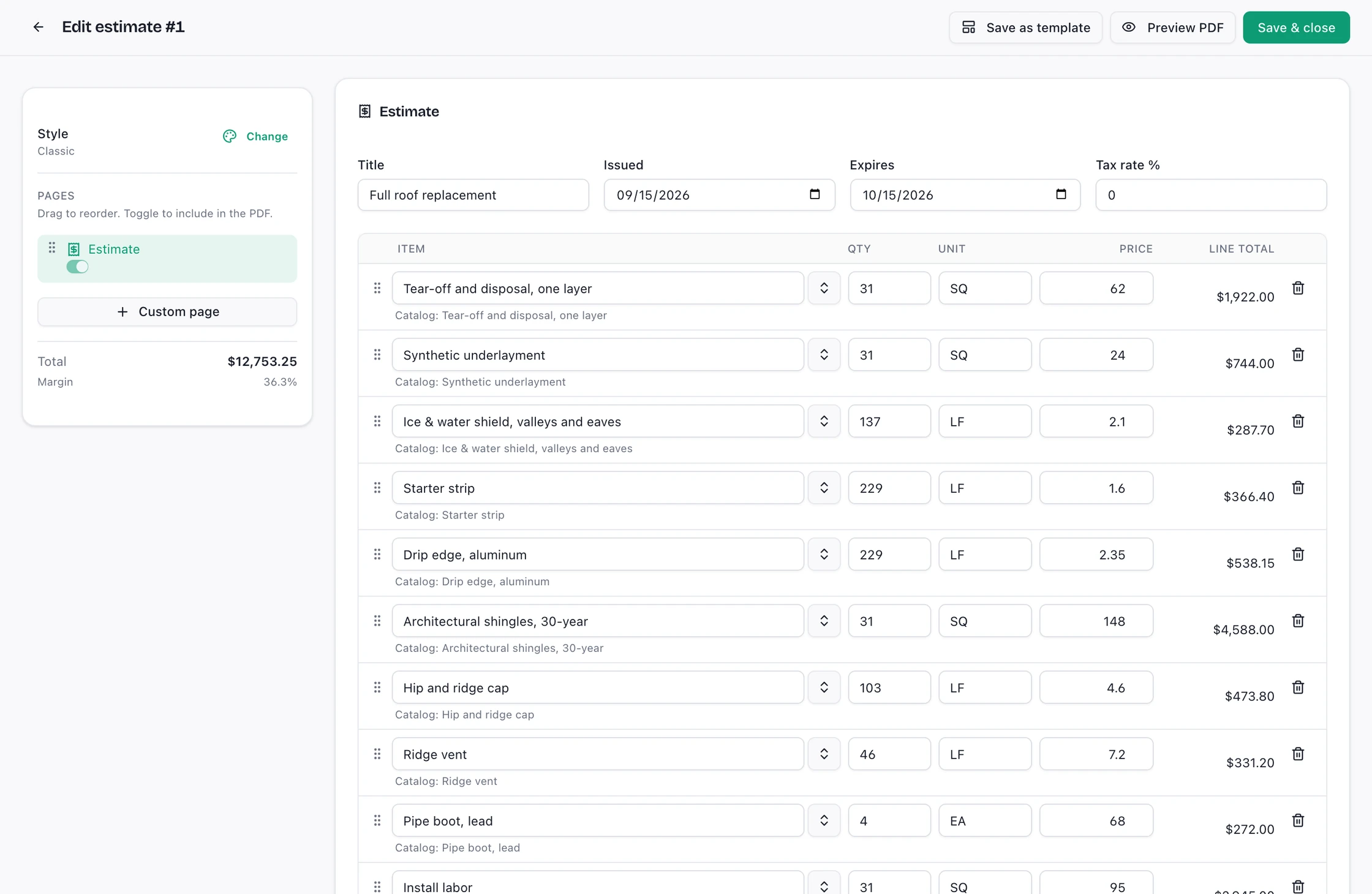
Real Ridgework screens. The company, people and numbers in them are sample data.
Leads, including the ones you don't type in
Take leads by hand or post them straight in from your website form or lead vendor through the inbound lead endpoint.
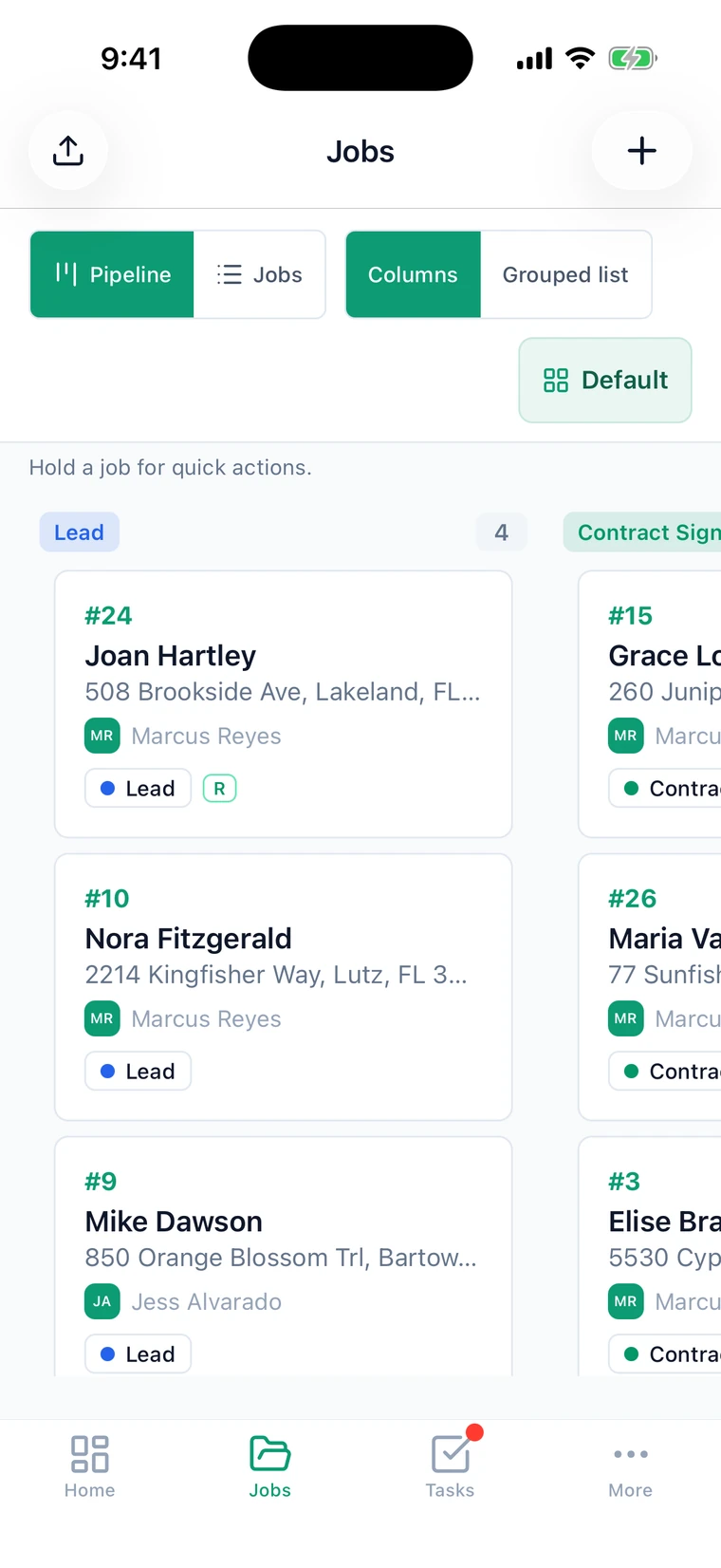
A pipeline that matches your workflow
Stages are yours to name and reorder. Insurance and retail files can run different columns without running different systems.
Estimates built on the job
Line items priced against the job record, so the estimate reflects the scope and measurements already attached to it.
Your catalog, your templates
Pick line items from your own product catalog, watch the total and margin as you build, and save the result as a template for the next job.
A PDF that looks like yours
Choose a style, add a cover and your own pages, and preview the PDF before it goes out.
Signatures without an account
The customer gets a private link, signs in the browser, and the signed record locks. No portal login for them to forget.
Measuring the work
Roofs from the aerial, rooms from the phone. Both land on the job they belong to.
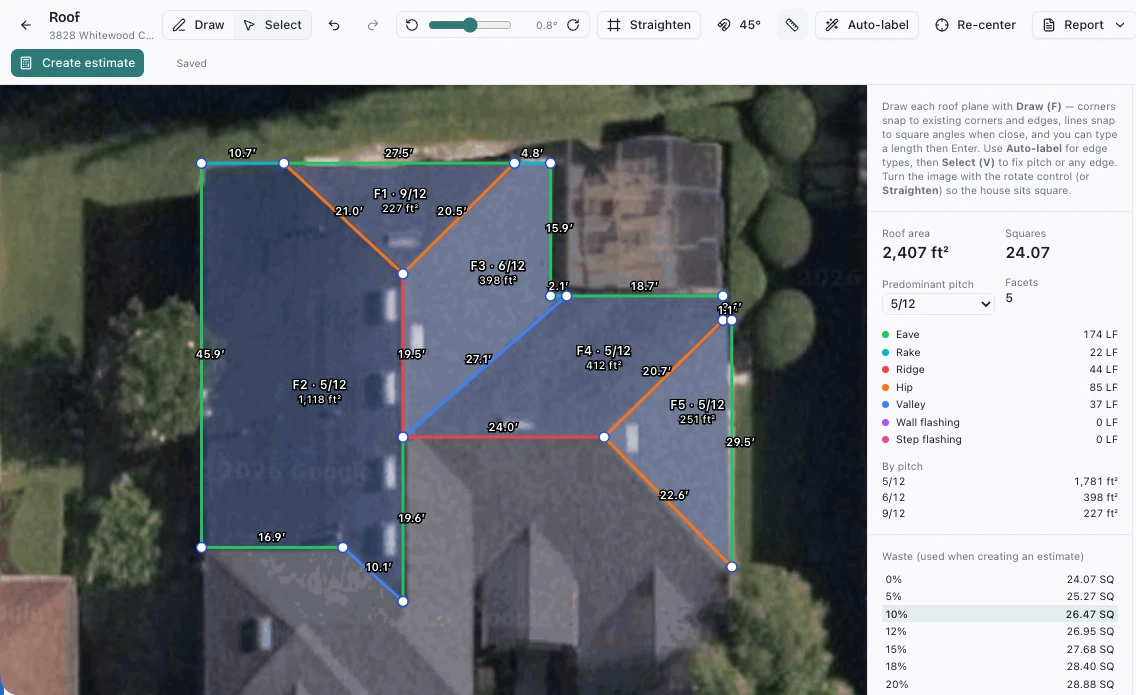
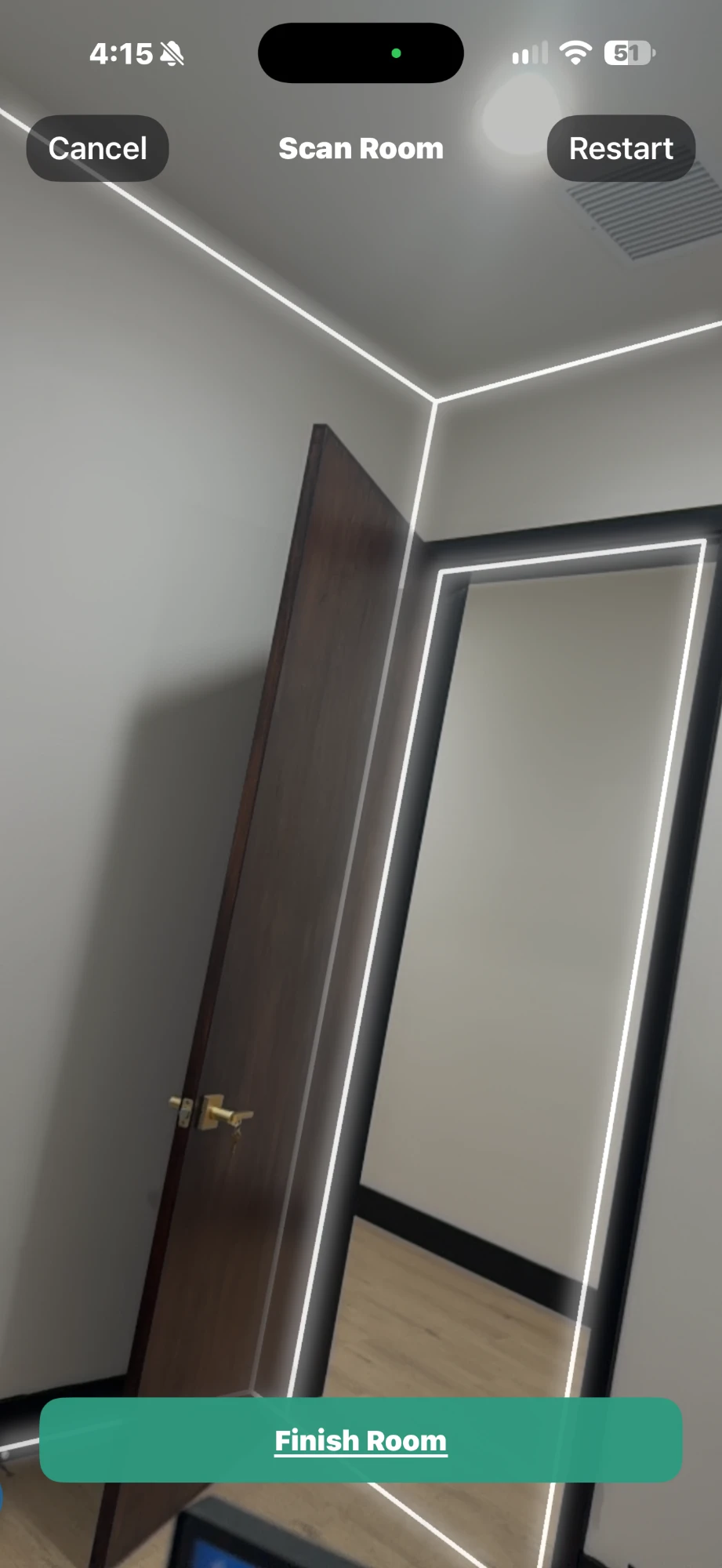
Real Ridgework screens. The company, people and numbers in them are sample data.
Roof planes drawn over the aerial
Open the address, trace each plane on the aerial image and set its pitch. Corners snap to each other and edges are labelled eave, rake, ridge, hip or valley.
Squares, pitch and linear feet
Roof area, squares, area by pitch and the length of every edge type, including wall and step flashing, totalled as you draw.
Waste and the estimate
Choose a waste factor from the table and create the estimate from the measurement in one step.
EagleView, out of the box
Built in, out of the box. Connect your EagleView account and order roof reports from a job's Measurements tab. The delivered report is saved to the job's documents and whoever ordered it gets a task. Orders bill your EagleView account.
Room scans for interior work
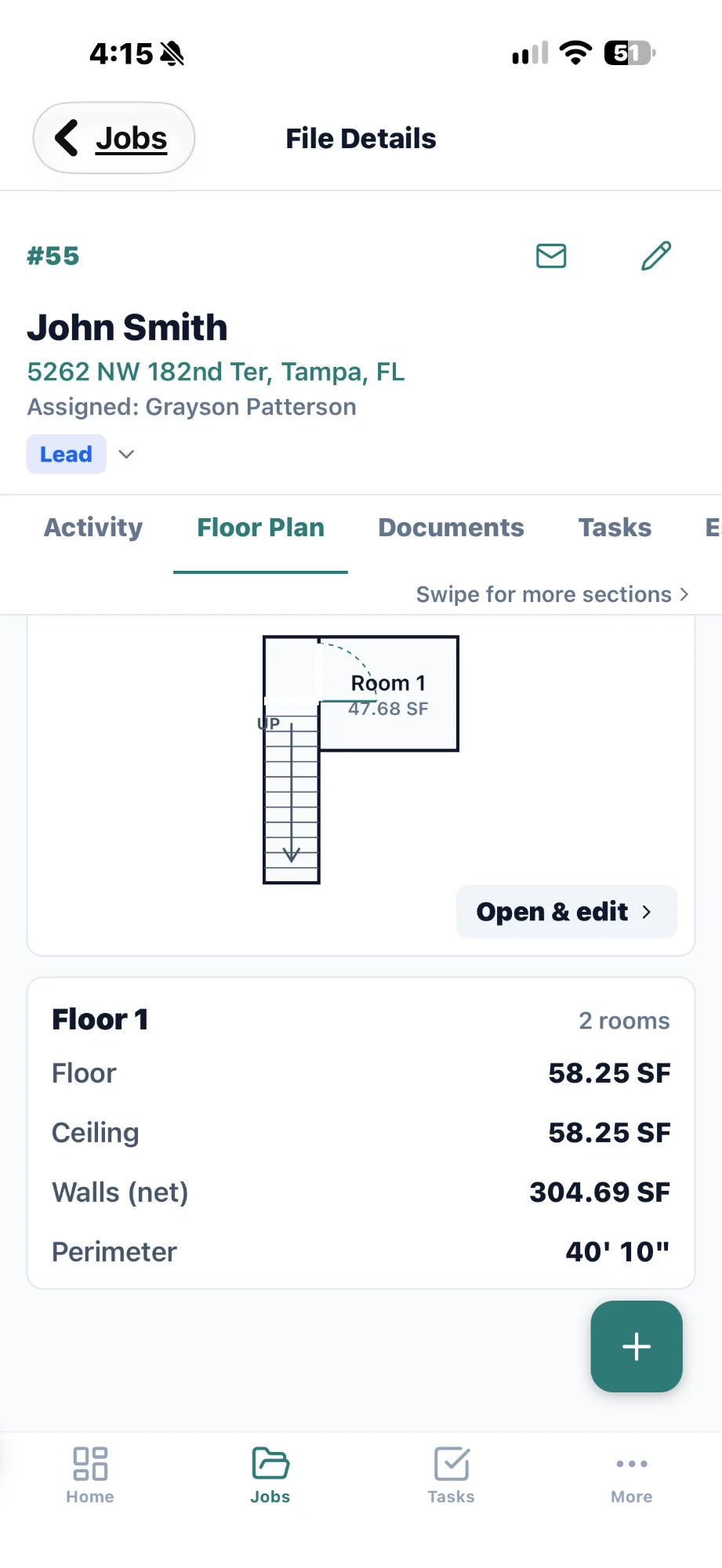
On an iPhone with LiDAR, walk the room and get a floor plan with floor, ceiling and wall square footage and perimeter. The scan is for rooms; roofs are measured from the aerial.
Or draw the rooms
No LiDAR on the phone? Draw the floor plan by hand and get the same totals.
On the roof
The part most CRMs treat as an afterthought, built as a first-class native app for iPhone, iPad and Android.
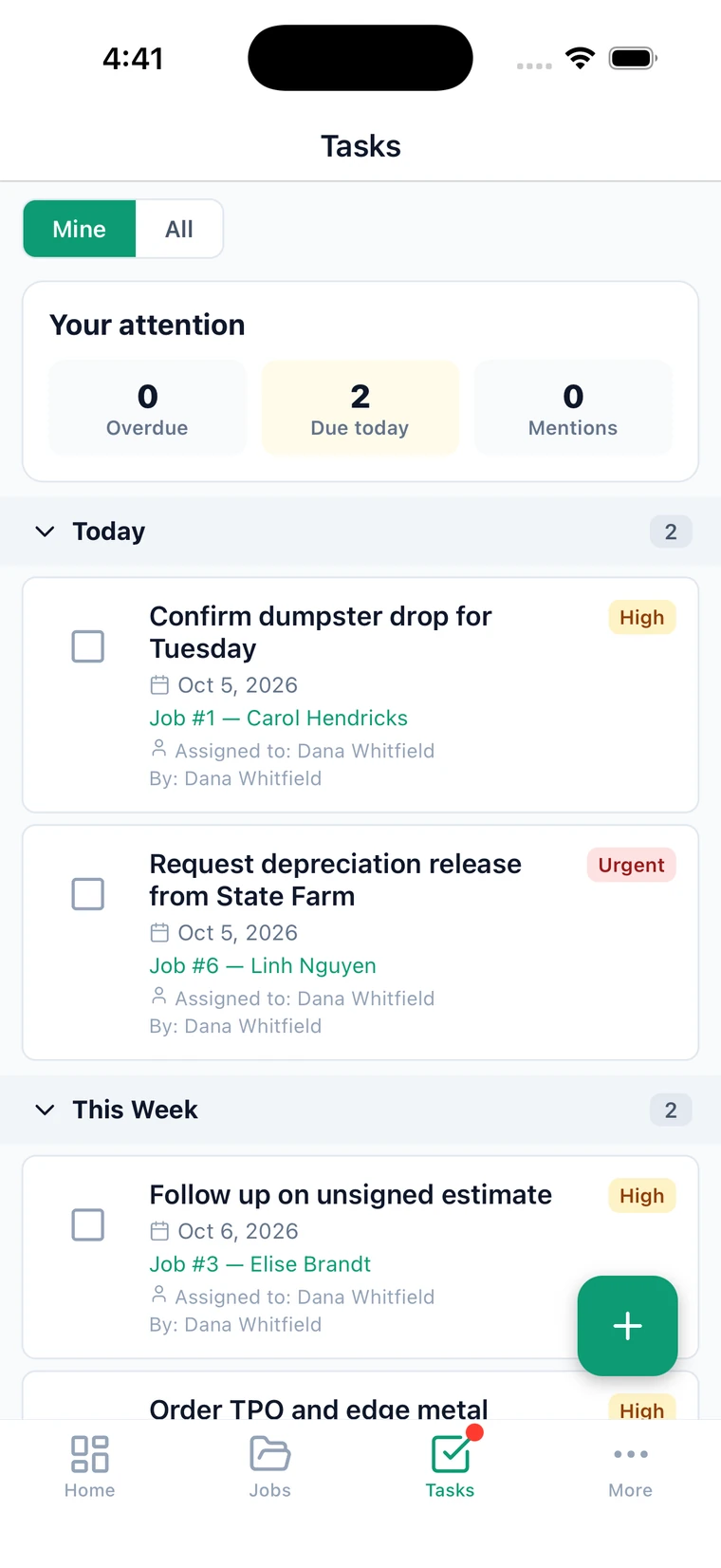
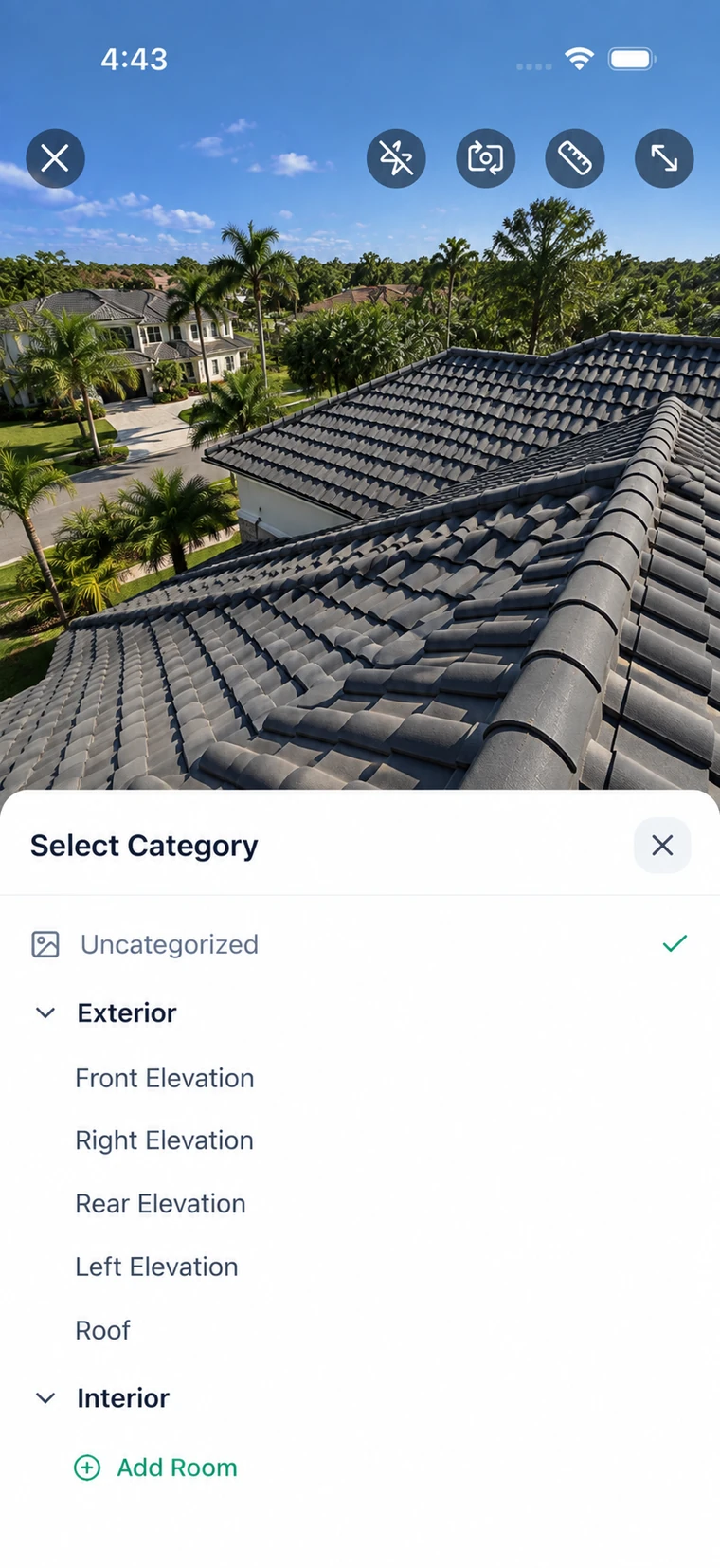
Real Ridgework screens. The company, people and numbers in them are sample data.
Pitch and measurements on the photo
The camera reads the roof pitch from the phone's tilt and can measure a distance in the shot, then stamps it on the photo.
Photos filed as they're shot
Crews pick the category at capture. Folders and categories are yours to define per organization.
Document scanner
Scope sheets, permits and supplier tickets photographed into the job as documents, not as loose images.
An upload queue that survives dead zones
Captures hold on the device and send themselves when signal comes back. Nobody watches a spinner on a roof.
Push notifications that land on the right screen
A notification opens the job it is about, not the app's front door.
Photos that make the case
Shot into categories on the roof, marked up at the desk, sent as a report.
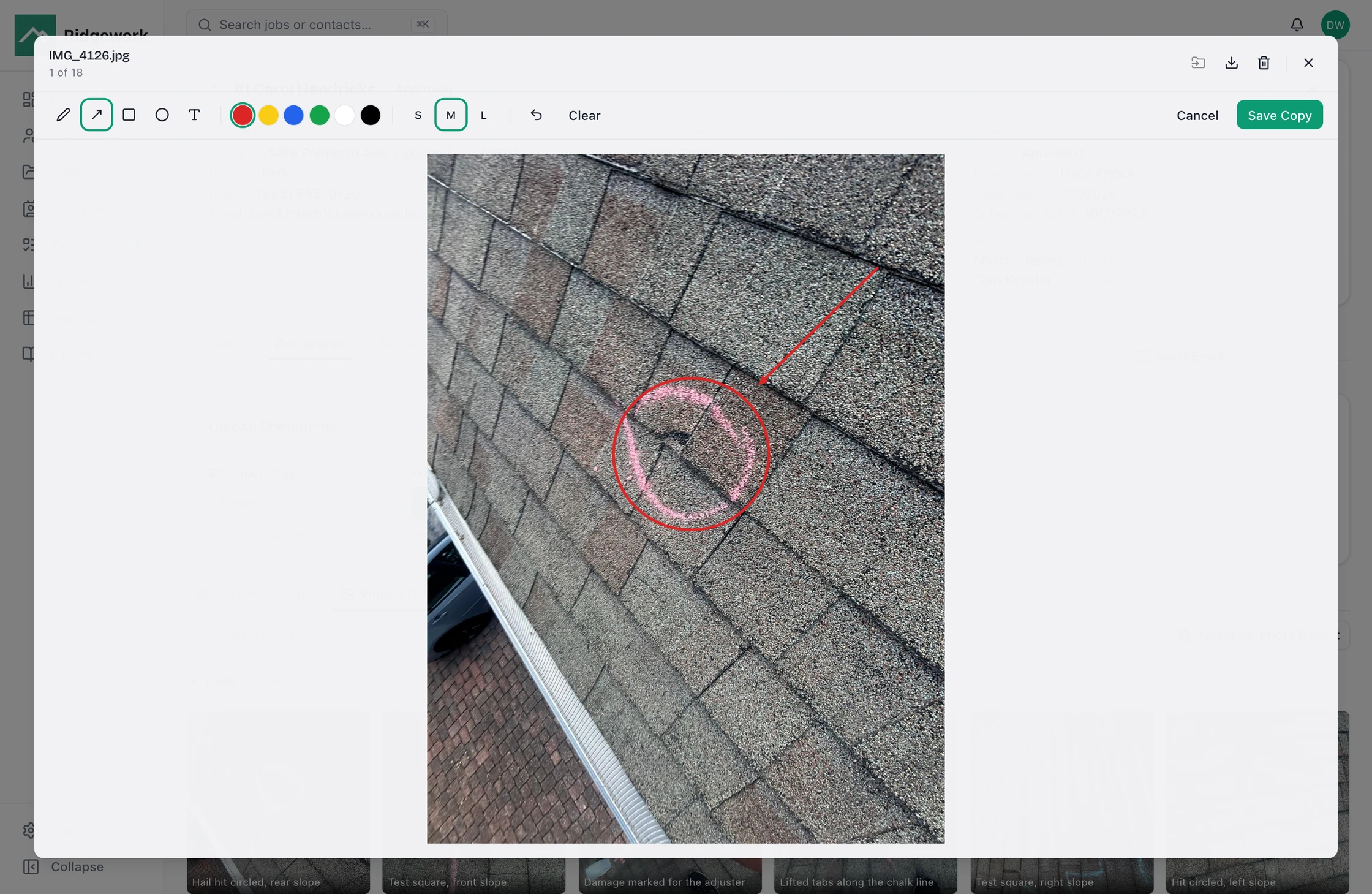
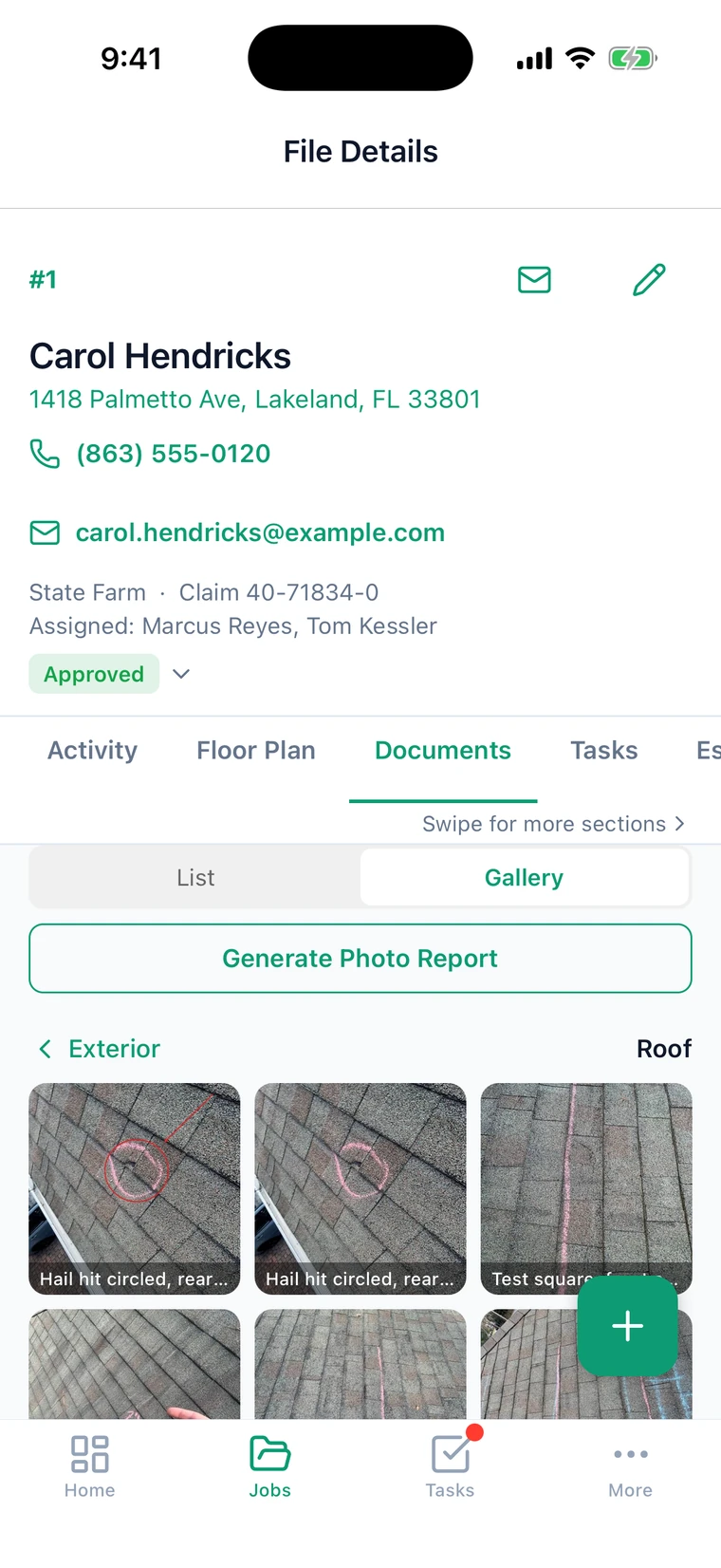
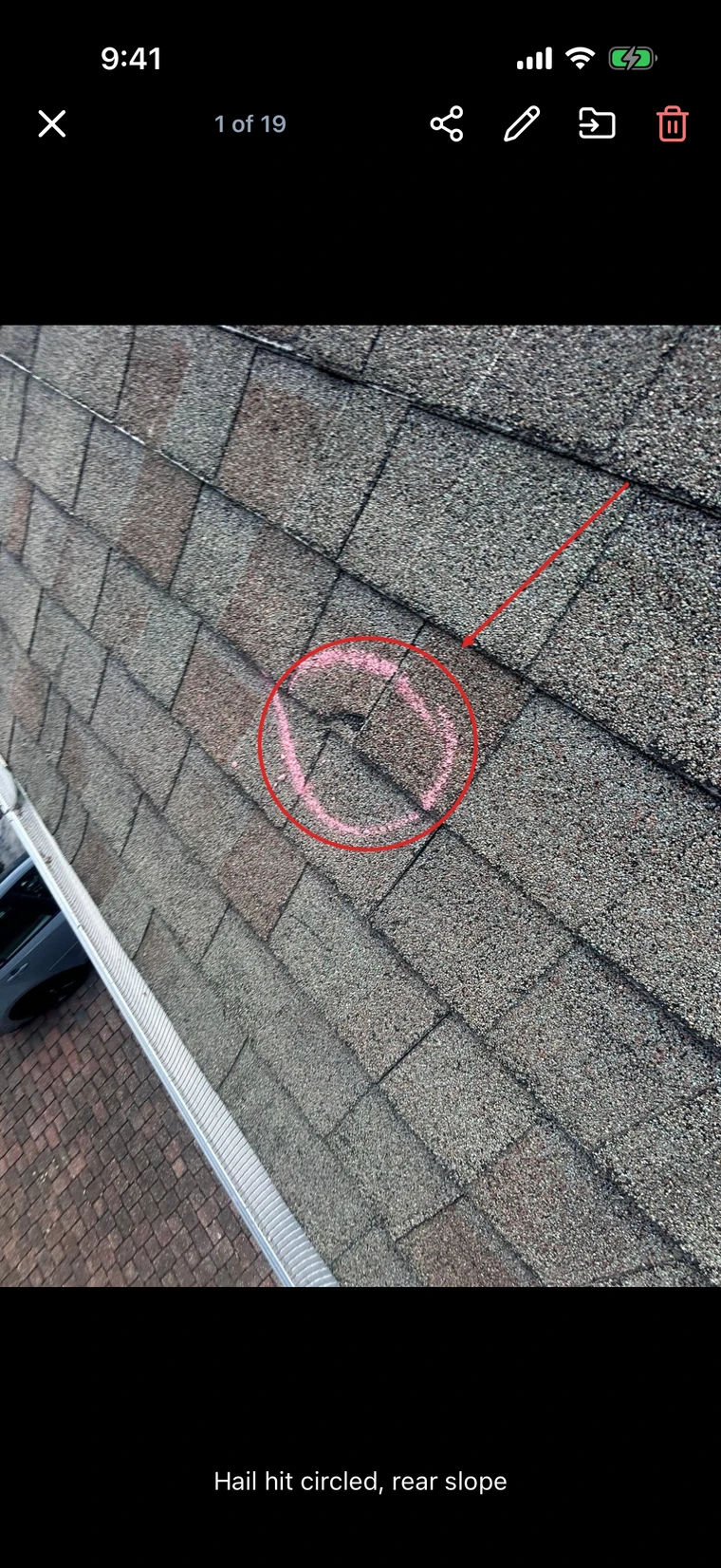
Real Ridgework screens. The company, people and numbers in them are sample data.
Mark up the damage
At the desk, draw arrows, circles, boxes, freehand lines and text on any photo, in six colors and three line weights.
Crop and rotate
Straighten a sideways shot or crop to the damage before it goes anywhere.
The original stays untouched
Edits save as a copy beside the original, and the copy shows up on the crew's phones.
Captions and folders
Caption a photo from the phone or the desk, and move it between elevation and room folders.
Photo reports for the adjuster
The job's categorized photos become an ordered PDF report, generated from the job, so a re-shoot means regenerating.
Back at the office
The desk half of the same records, where the paperwork, the money and the schedule live.
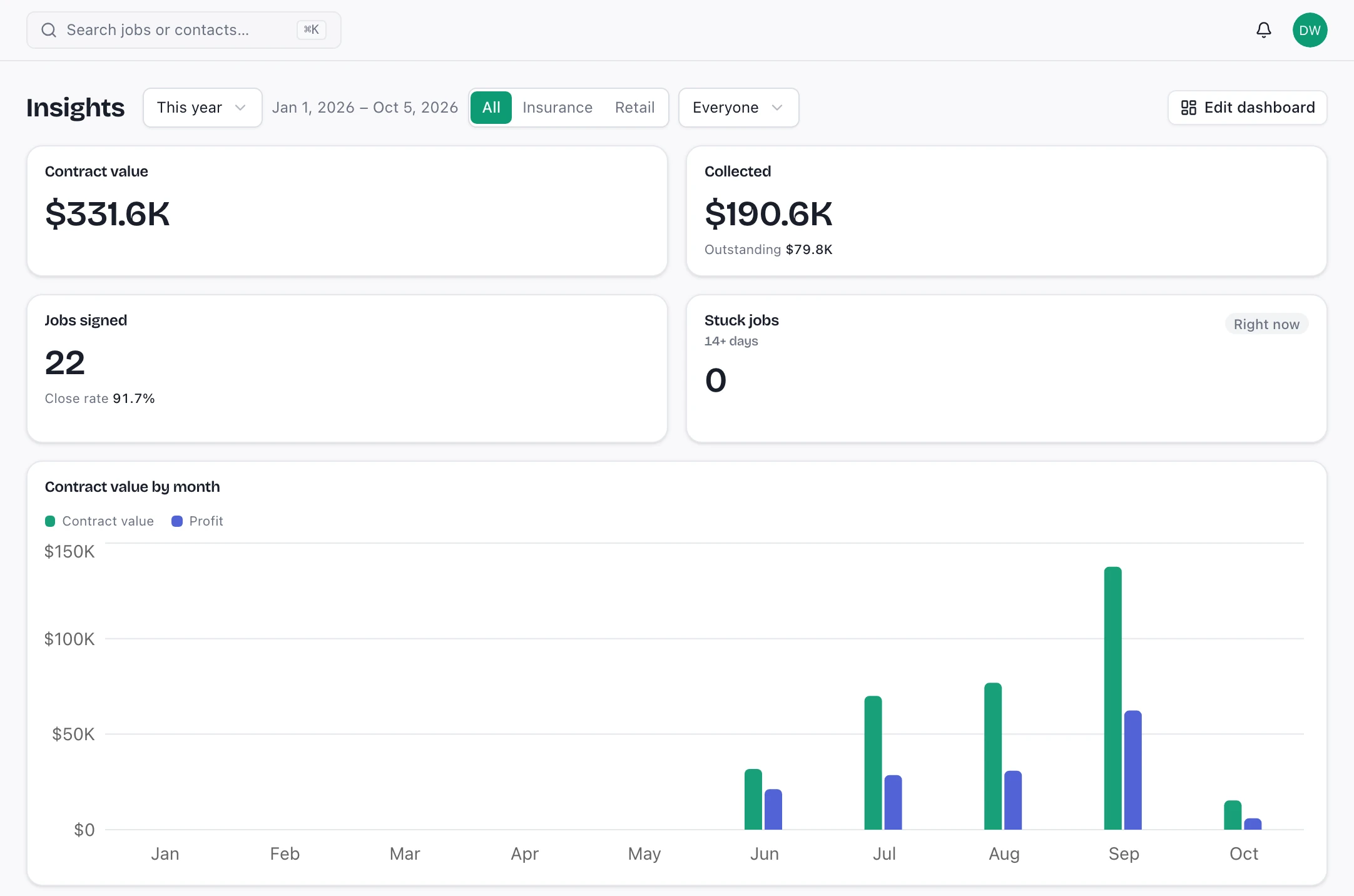
Real Ridgework screens. The company, people and numbers in them are sample data.
Jobs, contacts and tasks in one place
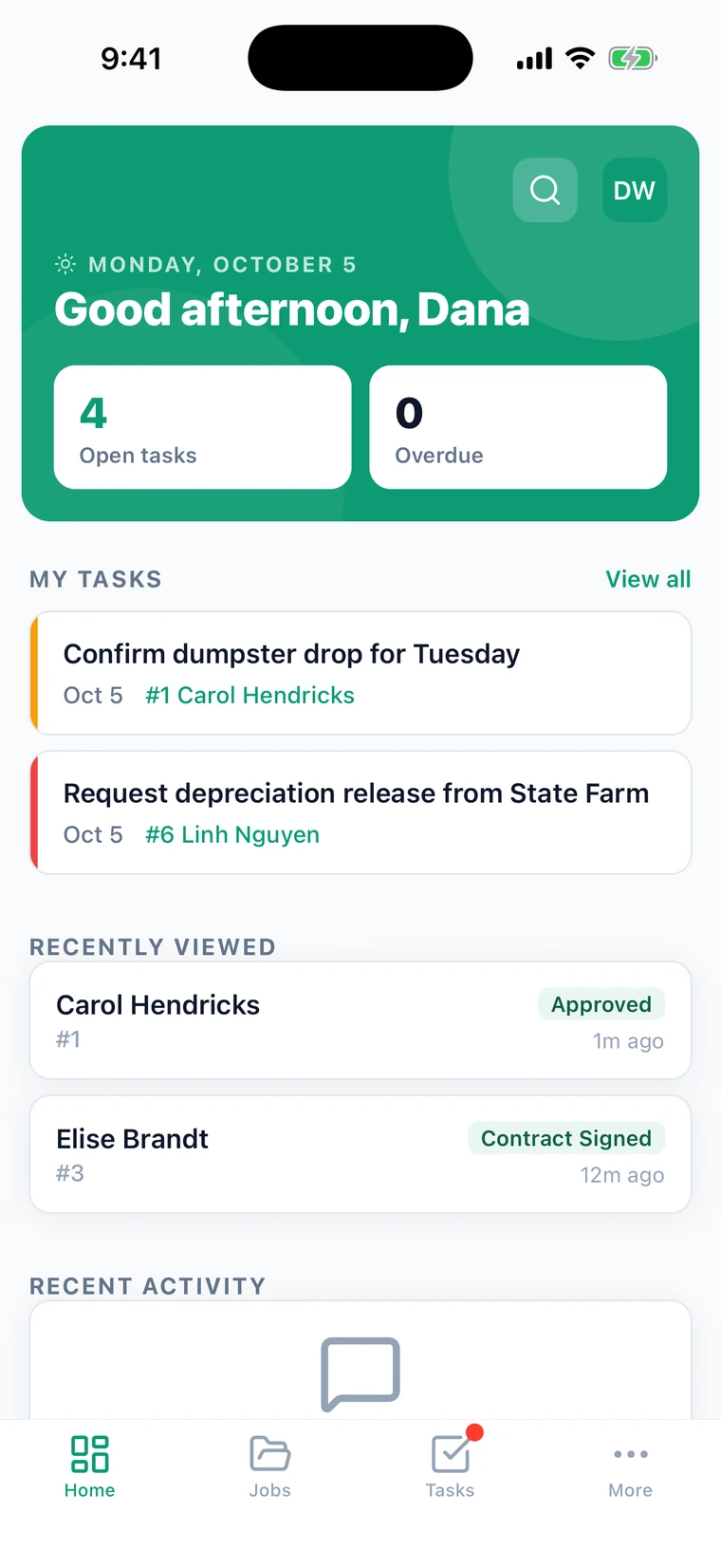
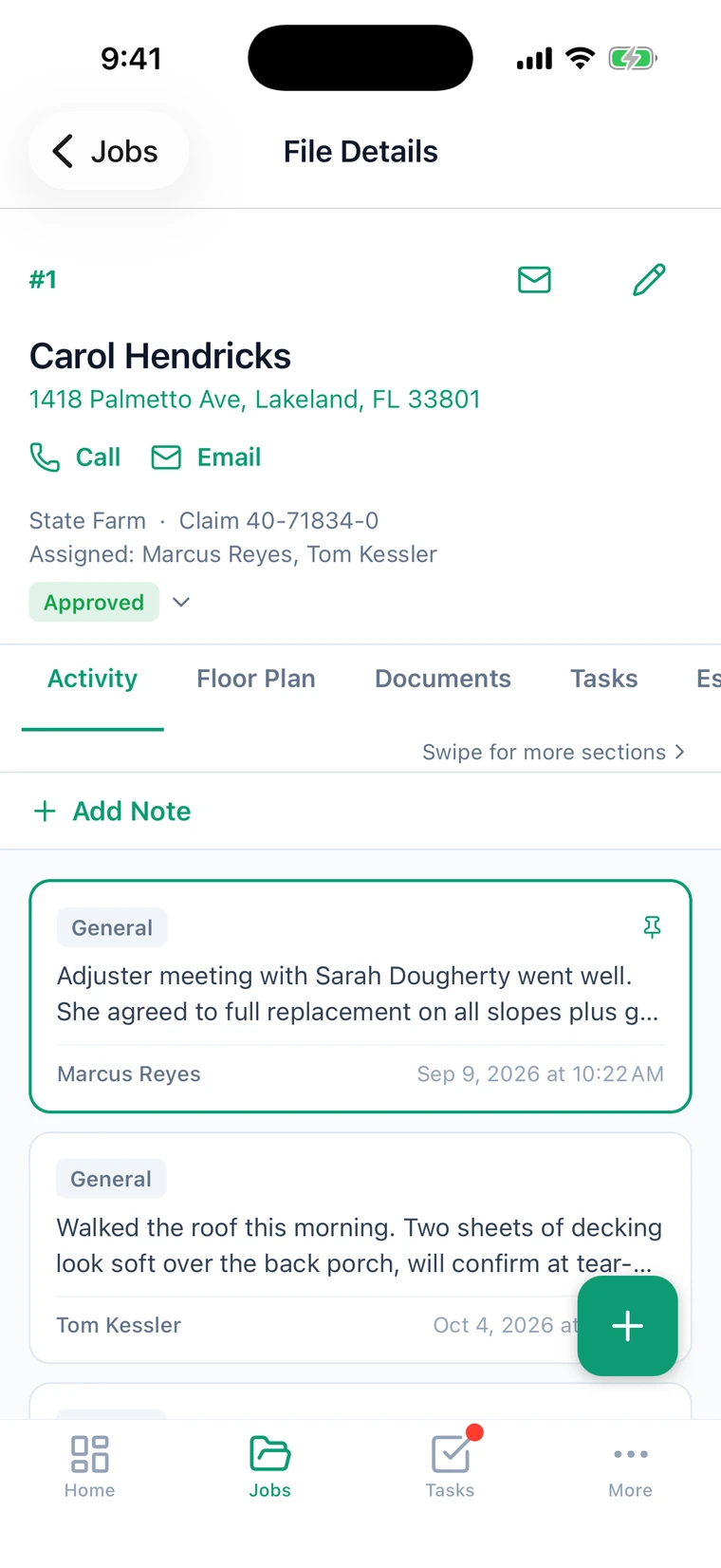
Every document, photo, note and appointment hangs off the job rather than off somebody's inbox.
Invoicing and payments
Financials tracked against the job, restricted to the people whose role includes them.
Search across everything
One search over jobs, contacts, documents and library content.
A shared library
Warranties, spec sheets, price lists and templates in one place the crew can actually reach from the field.
Insights you arrange yourself
Each person builds their own dashboard: contract value, collected, close rate, stuck jobs, jobs by status, a rep leaderboard.
Saved reports
Build a report over jobs, contacts, leads, tasks, estimates, invoices or payments, choose the columns and filters, and save it.
Email from the job
Send from the job with your own templates. The email is kept in the job's activity with everything else.
A record of what changed
Status changes and edits are logged on the job, so you can see who moved it and when.
Follow-up that runs itself
Rules you write once, so the next step does not depend on somebody remembering it.
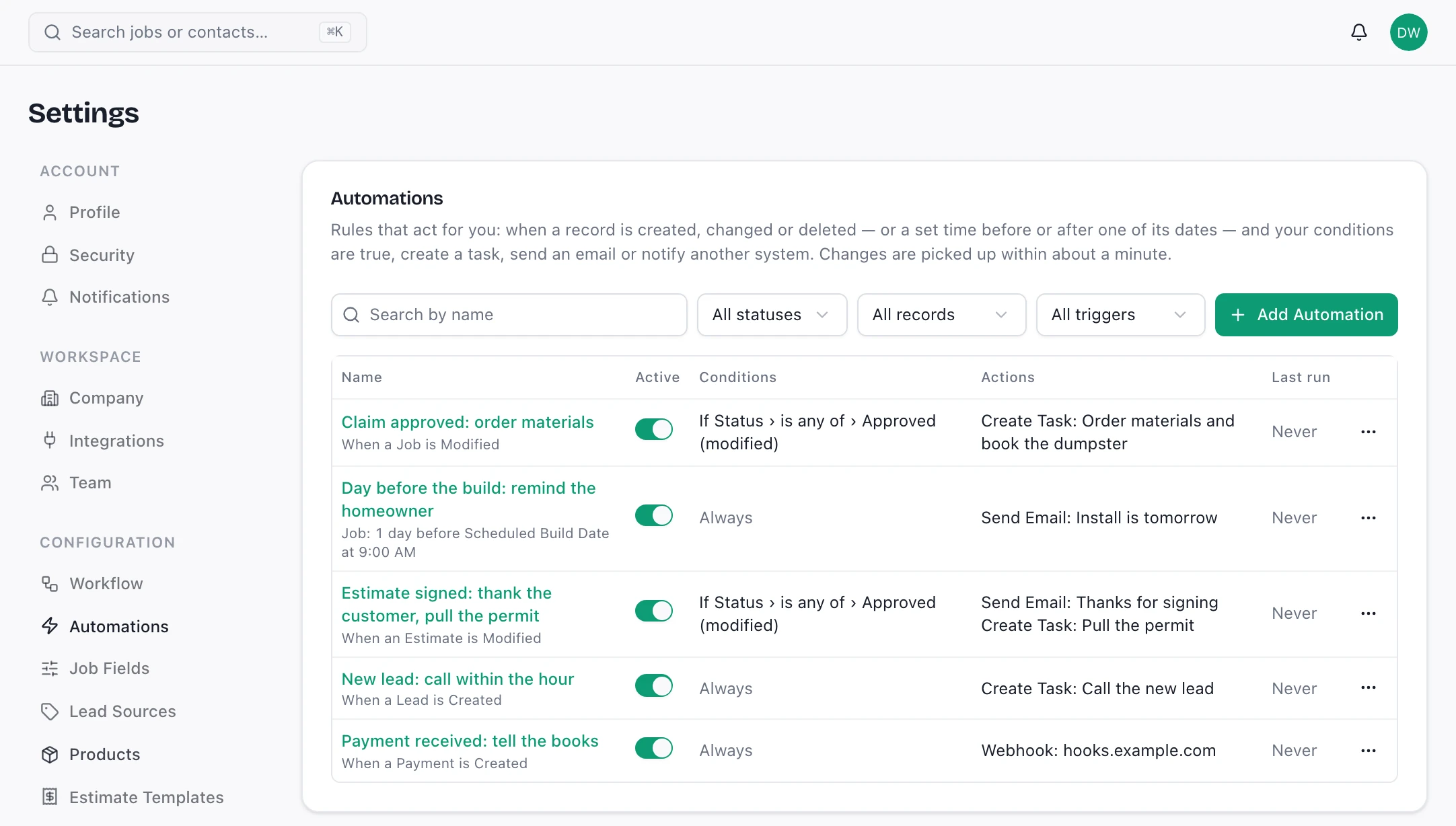
Real Ridgework screens. The company, people and numbers in them are sample data.
Triggered by the work
When a job, lead, contact, task, estimate, invoice, payment, document, note or appointment is created, changed or deleted, and your conditions are true.
Or by the calendar
A set time before or after any date on the record, on the weekday and at the hour you pick.
Tasks, emails and webhooks
Create a task with a due date and assignee, send one of your email templates to the customer, the rep or the team, or call a webhook to tell another system.
A log of every run
See when each rule last ran and what it did, or why it failed.
No runaway loops
What a rule does never sets off another rule, so one change cannot cascade.
Who can see what
The part that decides whether you can hand the app to a subcontractor.
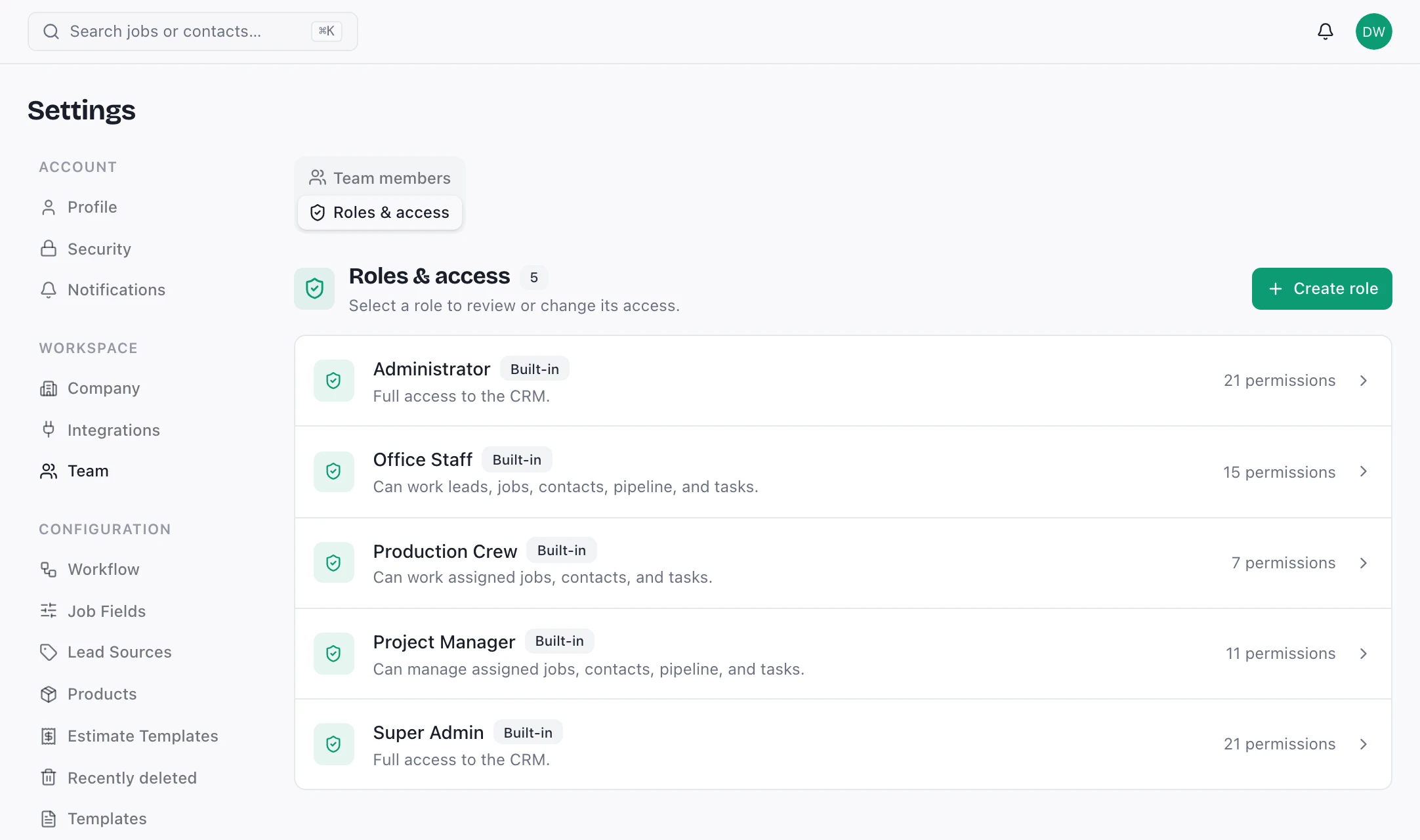
Real Ridgework screens. The company, people and numbers in them are sample data.
Twenty-one permissions, custom roles
Build the roles your company actually has, across workspace, administration and library permissions, not four fixed tiers.
Enforced in the database
Row-level security in Postgres decides access. Hiding a button is presentation; this is the real boundary.
Deactivation that means it
Turning someone off ends their sessions and drops their access, including on a phone that is already signed in.
Your own branding
Organization logo, favicon and brand color carry through the app and the mail it sends.
Bring the job you're arguing about.
The fastest way to judge this is to watch a real job go through it. Bring one, the messy one, and we'll run it end to end.
Book a demo